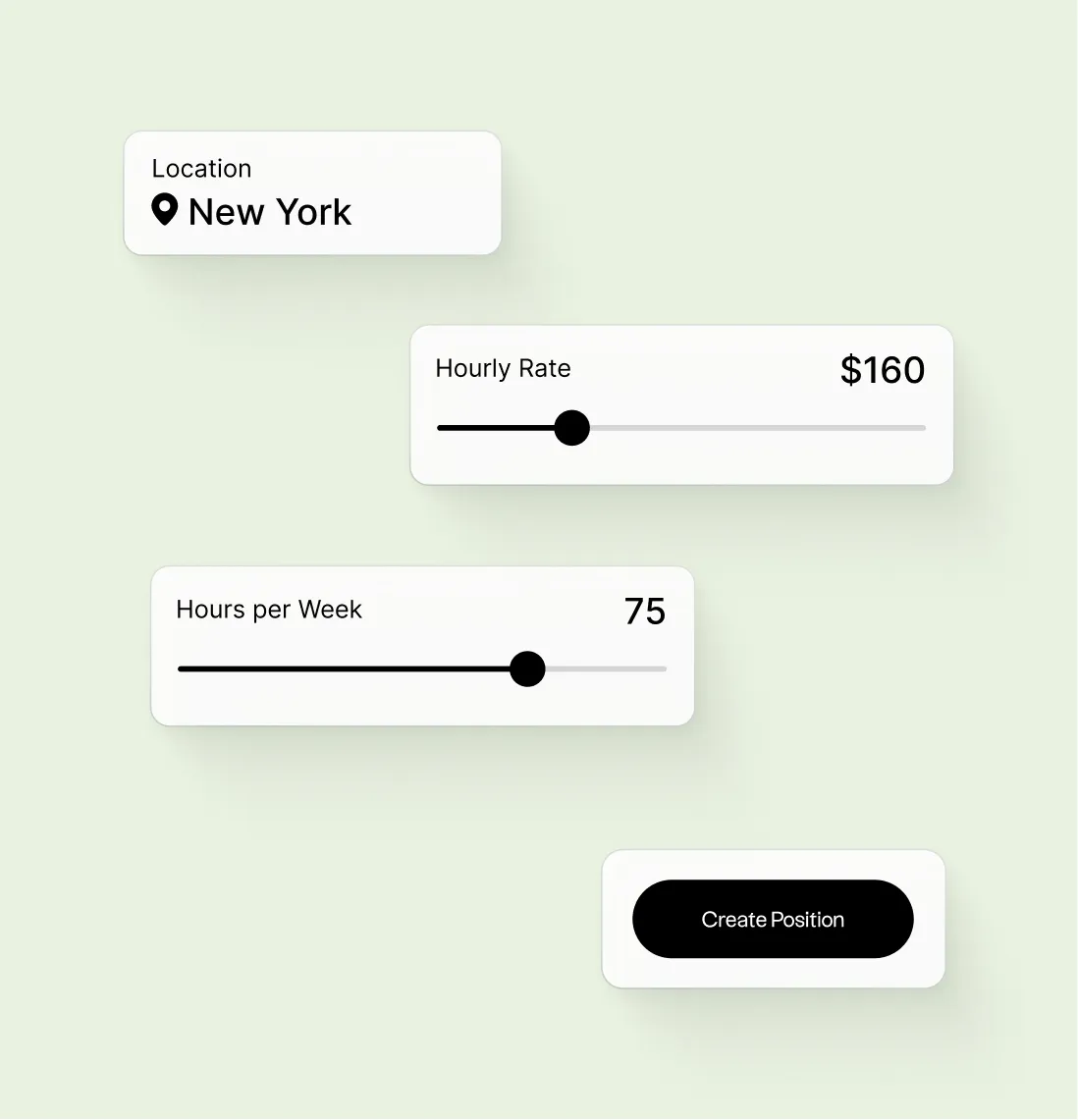
Web · Legal tech
LawTrades User Profile
A two-sided legal marketplace: companies find and manage freelance counsel; talent builds a profile, gets matched to work, and runs engagements from one place. Design work in Figma tied both sides to the same facts — rate, practice fit, and trust — before engineering handoff.
Overview
LawTrades positions itself around speed, vetting, and transparency on the company side, and ownership, flexibility, and operational support on the talent side. Product design translated that positioning into UI: profiles and discovery surfaces had to support “hire with confidence” (vetting, curated matches) and “full transparency” (clear rates, scope, and next steps), while talent flows emphasized a credible profile, fast matching, and a single place to manage clients and time.
Design decisions anchored in company workflows
The companies experience stresses a repeatable loop: create a role with budget and practice area, review a curated pool of pre-vetted candidates, schedule interviews in-product, then hire and pay with work logs, billing, and spend visibility. UI decisions on the client side prioritized scannable comparison (so hiring managers don’t re-read long bios), obvious scheduling and confirmation states, and a clear path from interest to an offer — aligned with “find, hire, and manage” without the overhead of a traditional firm engagement.
Design decisions anchored in talent workflows
The talent experience frames the profile as the foundation of a freelance practice: a short, guided setup (identity, location, practice areas, rate, experience), then verification and matching to opportunities. The profile had to double as marketing and operations — the same structured fields power search, matching, and trust on the company side, while supporting talent goals like reputation, predictable payments, and managing engagements from one dashboard.
Profile header & identity
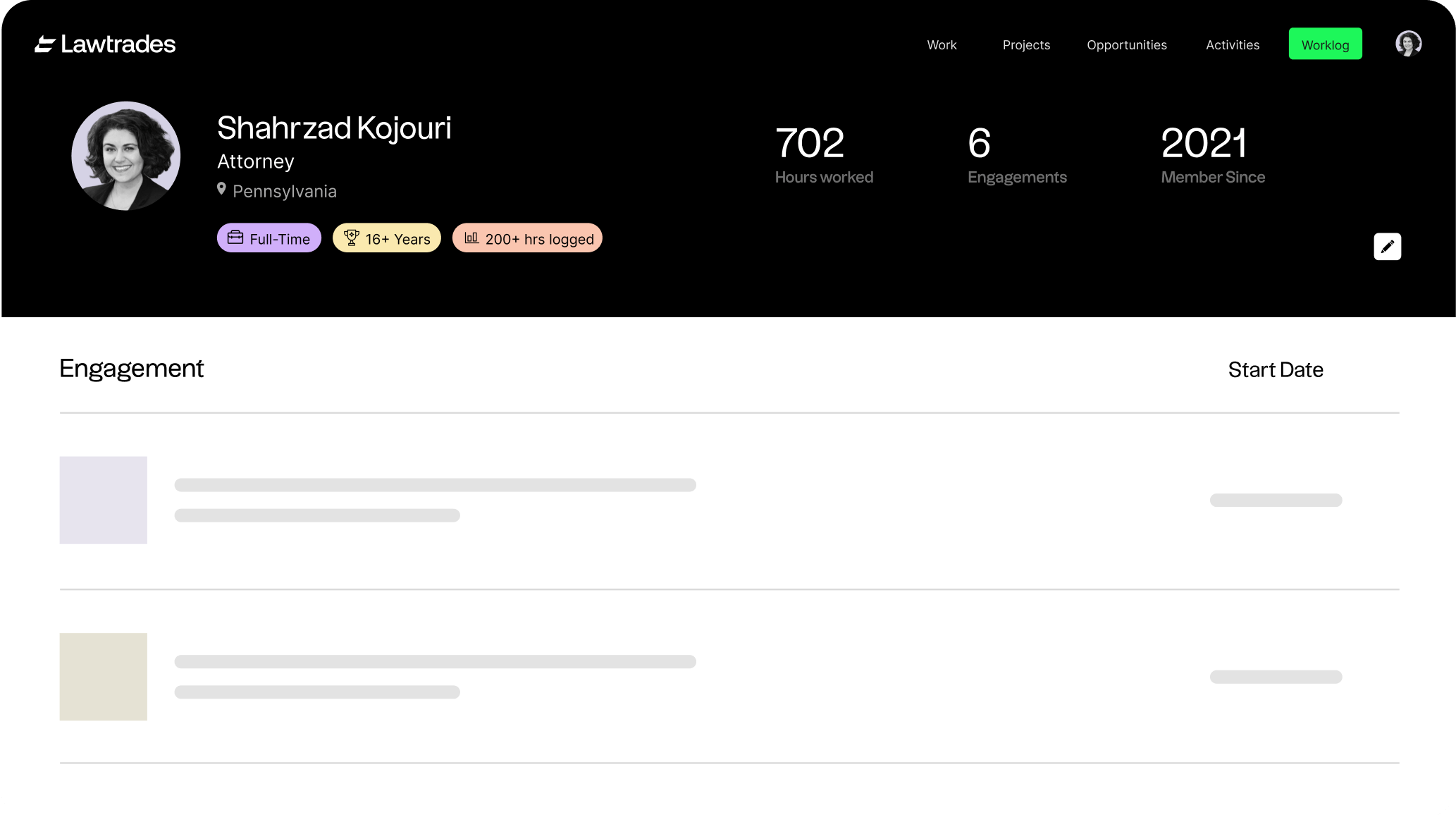
The top of the lawyer profile establishes trust at a glance: name, title, bar admissions or jurisdiction, and a clear visual anchor (photo or avatar). That mirrors Lawtrades’ “talent” story — a profile that goes beyond a resume for matching — and gives hiring teams the same “who they are” signal the company product promises when surfacing a curated pool. Layout priority matches what clients scan first before drilling into rates or practice areas: “who this is” before “what they cost.”
Pins: rate, salary & expertise
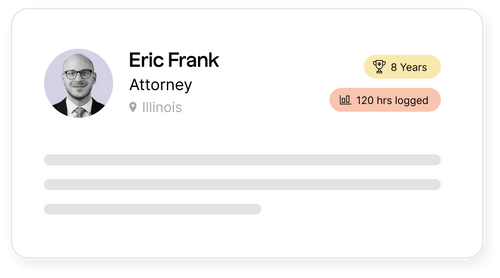
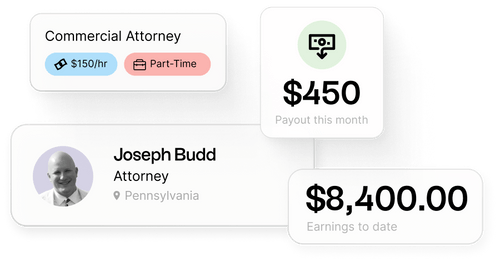
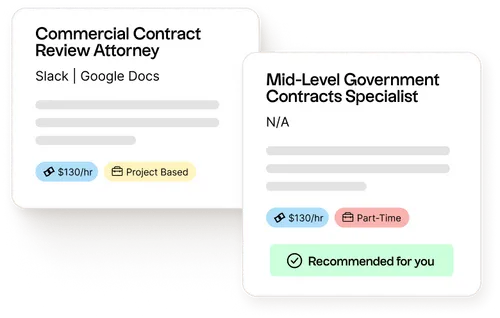
Structured pins surface the numbers and tags both sides rely on when companies set budgets and practice areas for a role and talent sets rate and experience. Hourly or engagement rate, compensation expectations where relevant, and expertise (practice area, industry) stay scannable and comparable across profiles — supporting the “browse and compare” step of the company workflow before anyone invests in interviews.
Choosing a lawyer
Discovery UI supports comparison and shortlisting: cards or rows that carry key pins, availability signals, and a path to “view profile” or “request intro.” It maps to Lawtrades’ company narrative — browse a curated, pre-vetted pool, then move quickly from a match to the next step — so clients don’t repeat the same diligence in every row. The flow is tuned so hiring teams can move from a filtered list to a confident shortlist without redundant steps.
Interview & conversation
Once a client narrows the field, the experience shifts to interviewing: scheduling, time zones, and a clear handoff into a call or message thread — the same “schedule interviews” moment the company product highlights as a low-friction step from a qualified shortlist. States show who proposed what and what happens next — reducing no-shows and ambiguous “did we confirm?” moments for both sides.
Offer: accept, decline, or propose
The engagement step makes giving and accepting an offer explicit: scope, rate or fee structure, and start date, with primary actions (accept, counter, decline) visible in one view — setting up what the company side describes as seamless hire and pay, with billing, work logs, and spend analytics downstream. Copy and button hierarchy follow the same patterns on web and mobile so lawyers and clients interpret urgency and commitment the same way before work is tracked in the platform.